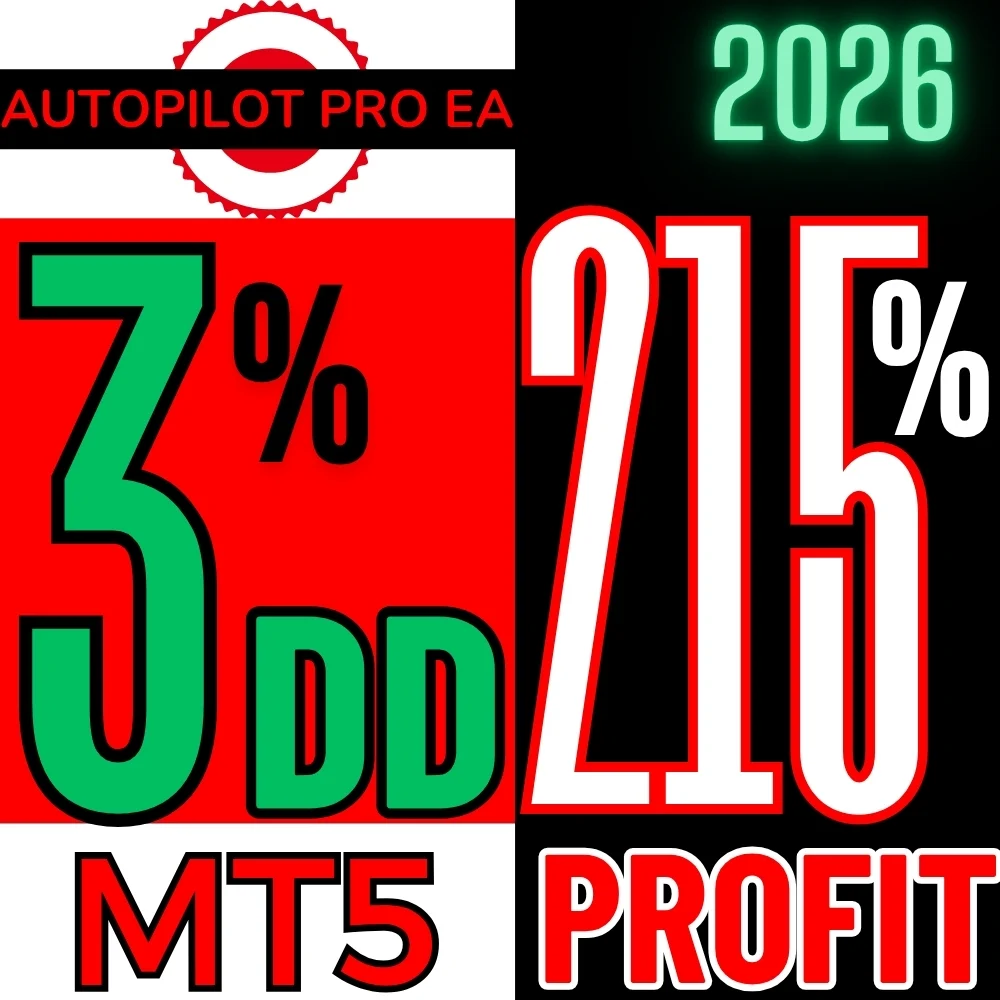
This page sells the Autopilot Pro EA MT5 source code, the .mq5 file itself. You compile it in MetaEditor 5, run it on your own account and change anything you want, because the file carries no licence check and no encryption.
- Platform: MetaTrader 5, a single .mq5 file
- Pair and timeframe: EURUSD on M1, other pairs allowed with more drawdown
- Risk modes: one ultra low risk and four low risk presets
- Account: from 100 USD per pair, any leverage
- Delivery: instant download, with a discount when you pay in crypto
What Autopilot Pro EA does
Autopilot Pro runs on EURUSD on the one minute chart and it is built around one priority, which is keeping the drawdown small. We chose that pair because it carries the lowest spread at most brokers, and we tuned the presets for it.
You pick a risk mode, set the lot size and leave it alone. Other pairs work as well, although the drawdown grows. For that reason the sensible order is to start on EURUSD with the ultra low risk preset, and only then experiment.
What you get with the Autopilot Pro EA MT5 source code
- The complete file, with nothing removed and no obfuscation.
- No licence system and no DLL, so what you compile is what runs.
- Every input with its default value, ready to compare against your broker.
- The risk block, where the robot calculates the lot size, the stop and the daily limits.
- Instant delivery on your account page, and a discount when you pay with crypto.
Why the source and not the compiled robot
We publish the entry rules nowhere, here or on our shop, on purpose. That logic is the product, and it travels with the file.
Therefore the source is the only way to read it. You open the file, follow the conditions in the order the robot checks them, and see how it sizes a position and where it places its protection. From there the decisions are yours: change the pair, the hours, the sizing or the filters, compile your own version and try it on a demo account first.
If you do not need the code and only want to run the robot, the compiled version costs far less: the ready to run Autopilot Pro EA is on binaryforexea.com. Buy the source when you want to read it, change it or make it yours.
How to compile and install it
- First, download the file from your account page right after checkout.
- Then open MetaEditor 5 from MetaTrader 5, with F4 or the editor button.
- After that, place the file in the Experts folder and press Compile.
- Finally, refresh the Navigator and drag Autopilot Pro EA onto a chart.
- Run it on a demo account first, and read every input before you go live.
If the compiler complains, our guide on compiling MQL source covers the usual causes. In most cases it is simply a missing include or the wrong folder.
Licence and what you may do with it
You buy the file, not a rental. Study it, modify it, compile it and run it on as many of your own accounts as you like, for as long as you like.
Reselling carries one firm condition: it has to become your product. Change the name and change the copyright line inside the code, so what you sell goes out under your brand and not ours. Selling it with our EA name, our brand or our site as the reference is not allowed, and neither is passing the same file along untouched. If the file carries a licence note inside, that note comes first.
More code of this kind sits in the scalping EA source code, and if you want to read working MQL before you spend anything, the free EA source code library is open. The idea behind drawdown is explained well on this reference page.
Questions about the Autopilot Pro EA MT5 source code
What exactly do I receive? The .mq5 source file, which you compile yourself in MetaEditor 5. Not a compiled robot.
How do I get it? It arrives instantly after payment, as a download on your account page.
Can I resell what I build? Yes, under your own name. You have to change the product name and the copyright inside the code, and you may not sell it using ours.
Do I get updates? You get the file as it stands today. Once it is yours, you are the one who improves it.
Are the presets included? The risk modes live inside the file as inputs, so you switch between them without loading anything extra.